Land Measurement 101: A Beginner’s Guide to GPS Surveying
Understanding the Basics of GPS Technology for Accurate Land Measurement
Surveying has been an essential practice for centuries. From determining the boundaries of the property, to planning infrastructure and agricultural setup, the exact investigation has always been in the heart of the development. Traditionally, surveyors used units such as chains, compas and theodolites to map the country. While effective, these methods often required time -consuming, physical effort and exposed to human errors.
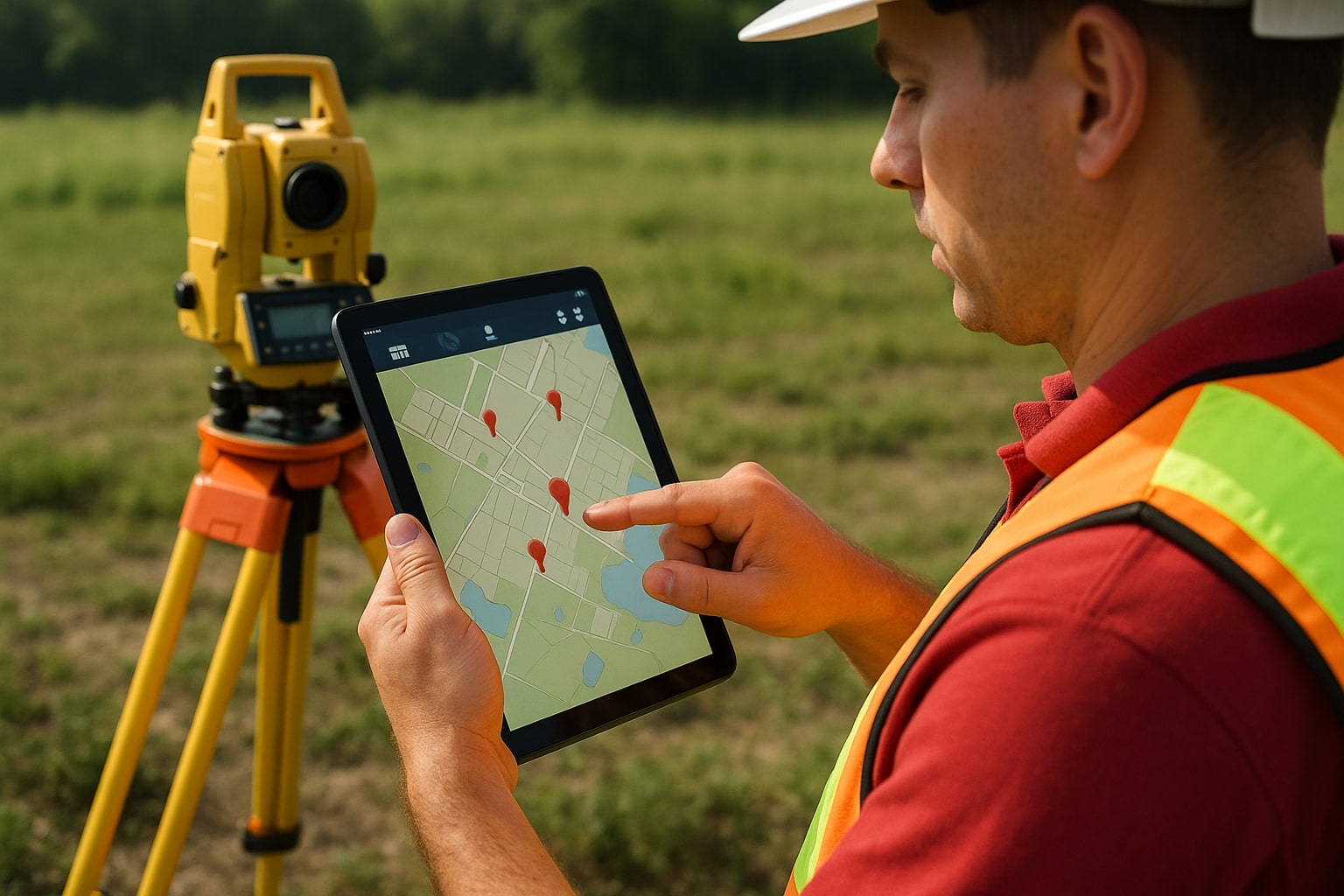
Today, technology has changed this process completely. The GPS survey has emerged as one of the most effective, accurate and accessible methods to measure land. With just a smartphone or tablet running a GPS Land Survey app, you can measure boundaries, calculate areas and even expel expert data for further use. When professional surveyors were limited to professional surveyors, it is now available to anyone who wants to learn.
This guide is designed for beginners who want to understand how the GPS survey works, the benefits, its application and how to start.
What is GPS Surveying?
The GPS survey is the process of using the global positioning system (GPS) to measure and map the country. The system works by using signs from several satellites that orbit the earth to indicate a place on the ground. When used on surveying, GPS devices and apps record these coordinates and calculate the boundaries, distance and areas with high precision.
Instead of measuring ties in a field or just relying on manual mapping tools, the GPS survey lets you go with property lines, go digitally with points and see immediate results on the screen. This makes the process not only fast, but also more accurate and less exposed to errors.
How Does GPS Surveying Work?
To understand how the GPS survey is used effectively, it helps to know the basics of how it works. The system depends on a network of satellites that transmit frequent signals. A GPS CAPABLE device acquires these signs from several satellites, calculates its exact position on Earth and records the coordinates.
When you roam on a plot and icon points in your app, you really make a digital map of that place. The app then adds these points to forms (usually polygon) and automatically calculates the perimeter and area.
Some advanced apps also integrate GIS (geographical information system) and RTK (real -time keyetic) technology, increasing the accuracy of correcting satellite signal errors. For most beginners, however, a standard GPS app exceeds enough.
Why Use GPS Surveying?
For beginners, it is important to know why GPS is a study. Here are the biggest benefits:
- High accuracy: Professional tools can achieve precision at the centimeter level. Even smartphone apps can provide accuracy within a few meters, which is sufficient for general use.
- Speed: Hours of manual tools can now be completed in minutes.
- Cost savings: With free or affordable mobile apps, no one can measure land without expensive equipment.
- Facility: Smartphone, tablet and handheld GPS works with the receiver.
- Versatility: Useful in construction, agriculture, forestry, real estate and urban planning.
Getting Started with GPS Surveying: A Step-by-Step Guide
Step 1: Choose a GPS Survey App
For beginners, the easiest way to start downloading the GPS Land Måle app is the easiest way. Popular options include:
- Measurement of the GPS area
- Glide
- Mappa GPS
- ArcGis Survey 123
- These apps are user -friendly and often free or low costs.
Step 2: Set Up Your App
- Allow the location permits.
- Choose the correct devices (meters, legs, acres, hectares).
- Create a new project for your surveying work.
Step 3: Mark Boundary Points
Walk around the area you want to measure. On each corner or critical point, press the "Mark" app in a way. The app automatically connects these points to a boundary line.
Step 4: Calculate Area and Distance
When all the digits are marked, the app calculates immediately:
- Total area (in acres, square feet or hectares)
- Perimeter (total distance around the country)
- Coordinates for each point
Step 5: Save and Export Data
Most apps allow you to save the survey in formats such as KML (Google Earth), CSV (Excel) or DXF (AutoCAD). Exports are useful if you want to share results with professionals or include them in official reports..
Best Practices for Beginners
- Survey in Clear Sky: Avoid long trees, heavy clouds or buildings that block satellite signals.
- Take more readings: Walk around the area twice for stability.
- Check the accuracy level: Many apps show "signal accuracy" meters for a strong reading before recording points.
- Use external GPS devices: If possible, connect a professional GPS receiver for high precision.
- Save backup data: Always save a copy of your cloud storage measurement.
Tips for Beginners to Improve Accuracy
While the GPS survey is simple, beginners should follow these tips for best results:
Work in open places: trees, buildings and satellite with bad weather can block signs.
Take more readings: Mark the same point two or three times to reduce errors.
Use external GPS devices (optional): For high accuracy, connect your app to a professional GPS receiver.
Check your settings: Make sure the units of measurement are properly set before you start.
Save Backup: Always store a copy of your survey data in case of incorrect or accident.
Common Applications of GPS Surveying
GPS examination is not just for professionals; Can use it in many initial areas:
- Agriculture: Measurement of farm, planning of watering and monitoring fields.
- Construction: Marking of construction plots, road layouts and project boundaries.
- Property: Determine property lines and prepare plots for sale.
- Forestry: Survey of forest areas and protected areas.
- Government projects: Land register, infrastructure scheme and environmental monitoring.
Limitations Beginners Should Know
While the GPS survey is powerful, there are some restrictions:
- Signal dependency: accuracy falls in areas with poor satellite probability.
- Device Limit: The smartphone is less accurate than the GPS quality receiver.
- Legal restrictions: In disputes, official examination of licensed professionals is still necessary.
- Limitations you should know
- While the GPS survey is powerful, beginners should know about their limitations:
- The accuracy can fall with tall buildings in dense forests or urban areas.
- Professional studies for legal purposes may still require licensed surveyors.
- Input level apps cannot provide advanced reforms such as RTK.
- However, these limitations did not affect most early level functions everyday use.
Tips to Improve Accuracy
- Day examination when satellite visibility is high.
- Keep the device stable when registering the recording points.
- Avoid mapping near long buildings or power lines.
- Update your GPS app regularly for better performance.
- Cross check with existing maps when possible.
Future of GPS Surveying
With the moving technology, the GPS survey becomes smarter and more accurate. Integration with drones, AI and GIS -Systems opens new opportunities. For beginners, this means that more powerful in the coming years, but simple tools. Imagine flying a drone on your farm and getting a complete examination in minutes - this future is already here.
Why GPS Surveying is a Game-Changer for Beginners
For beginners, learning traditional examination techniques can feel heavy. You must understand equipment, angle and mathematical calculations. The GPS survey simplifies all this. The software works automatically to lift the most heavy by calculating the measurement when you walk on the ground.
Some great benefits include:
Ease of use: Most applications are designed with simple interfaces that let everyone use, even without technical expertise.
Accuracy: With modern technology and external recipient, GPS examination can achieve precision at the centimeter level.
Speed: What can be used to take hours of manual tools can be completed in minutes.
Cost effectiveness: Instead of investing in expensive equipment, beginners can start with just a smartphone app.
Portability: You need your device in your pocket - no heavy equipment requires.
For beginners, these benefits examine GPS to the correct input point in the measurement of land.


