Best GPS Land Measurement Tool to Measure Area & Distance Online
In the past, only highly trained professionals were able to accurately map and calculate land areas using traditional methods. However, with the advent of smartphone technology and sophisticated land measurement mobile applications, the average user can also utilize a GPS land measurement tool for quick and precise calculations of the size and distance of a field, parcel of land, or property line using their smartphone.
Geo Measure is one of the top-rated apps in this growing category. It allows users to take advantage of satellite data to convert their smartphones into a powerful measurement tool that can be used for various purposes. As you can see from this impressive example, these technologies have changed the way farmers, real estate agents, contractors, and even homeowners do their planning, as well as verify property boundaries.
Below is a brief overview of what you need to know about dedicated GPS land measurement services and how they can help you measure your land online quickly and easily.
1. Dual Measurement Modes Provide the Most Accurate Results
The best measuring apps provide you with options to be as accurate as possible regardless of your circumstances.
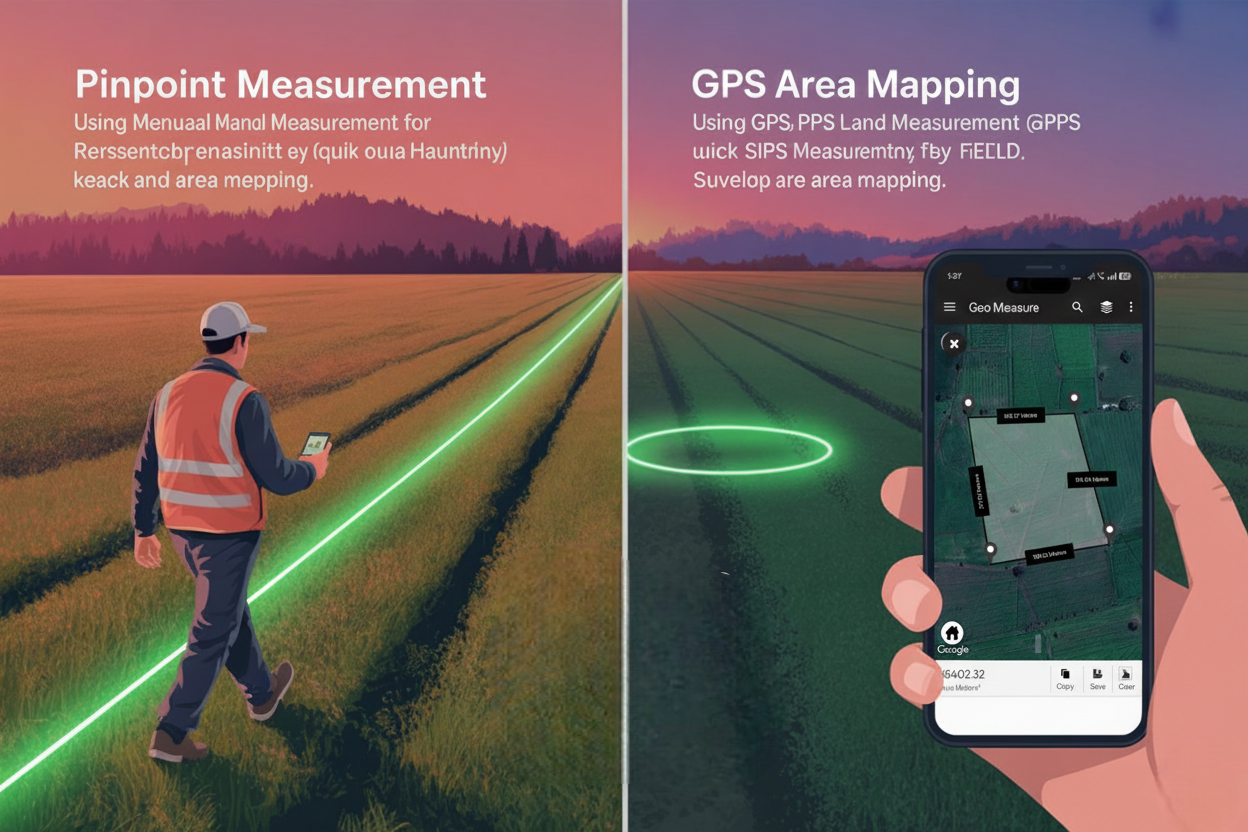
A. Manual Measurement (Map Based)
This is ideal for planning and measuring remotely. You cannot reach the property.
- How does it work? The app allows you to zoom in on the satellite view and place markers (pins) at the corners or edges of the area being measured.
- What are the benefits? The map distance calculator provides accurate, real-time results as soon as each pin is dropped. You can adjust and move the markers, so you are able to identify the most accurate location of the boundary while sitting at your desk. You can quickly measure a lot that you’re interested in purchasing online or in the early stages of designing your own construction project using this method.
B. GPS Measurement (Live Tracking)
Live tracking via GPS is the best means of accurately measuring land or other areas from wherever you are (near or far).
- How it Works: While in the application, set the mode to GPS tracking; as you travel (either by foot or automobile), the app automatically saves the coordinates where you've walked or driven around the perimeter of the area (land or other).
- Benefits: By using this method of collecting and plotting measurements, they rely on the actual locations where you've travelled rather than the estimated coordinates determined based upon coordinates seen in satellite images. After completing your walk or drive, the area, perimeters, and coordinates will all be automatically calculated and displayed for you to see immediately.
2. The ability to calculate area and distance using a variety of measurement methods.
An area calculator designed to accurately measure land area will do much more than provide you with just the area in square feet. It will provide an entire geospatial view of your land area.
- Area Calculation: The area calculation shows the total area that is surrounded by your boundary markers and is essential for use in both agricultural planning (seed and fertilizer) and also as a means to assess the value of real estate.
- Distance Measurement GPS: After determining the area, an area calculator can instantly compute the total length of the perimeter or the sides of the area you measured, so you know exactly how long the boundaries are. You can also use this same GPS-based distance measurement tool to measure the straight-line distance between two points of interest (such as determining the dimensions of a fence, road, etc.).
- Multi-Unit Conversion: Many people don't realize that around the world land is measured in many different ways; GeoMeasure makes it easy to switch between multiple measurement units such as
- Square Metres (m²)
- Acres
- Hectares
- Square Feet (ft²)
3. The Must-Have Attributes for Professional Users and Homeowners
A leading GPS land measurement solution is being developed with two core objectives in mind: to enable efficient use of land measurement and to facilitate collaboration among users.
- Organizing and Saving Data: You can create a name and save and organize all your measurements in the application, which allows you to maintain an ongoing historical record of your land and projects digitally.
- Exporting/Sharing Data: When using the application professionally, the option to export measurement data is a necessity; therefore, GeoMeasure allows exporting of standard KML files (Keyhole Markup Language files) that can easily be imported into and displayed by other GIS (Geographic Information System) systems such as Google Earth, thereby streamlining collaboration with surveyors, engineers, or any other professionals.
- Offline: The ability to preload maps allows GPS tracking to continue without interruption when working in remote fields or areas with poor reception.
The Future Landscape Planning
By utilizing a modern GPS-based technology such as GeoMeasure, you no longer have to rely on tape measures, chains, or complicated formulas to determine the boundaries of property. With incredibly accurate GPS land measuring tools available at your fingertips, you can easily verify the boundaries of any piece of property, measure its field areas, and create detailed plans for the use of land.
If you're starting to work on any land-based project, be sure to use a map distance calculator for accuracy.


