Best Land Measurement App in India for Surveyors & Engineers
India is rapidly transforming its infrastructure. The key to success in these developments, as well as avoiding expensive legal disputes over land use, is precision.
For professional surveyors and civil engineers, lugging around heavy equipment (such as theodolites) is no longer feasible due to the speed of these projects.
Digital transformation in 2026 provides GeoMeasure users with the most advanced and affordable solutions for managing land data within the diverse landscapes of India with the greatest precision possible.
1. Why GeoMeasure Stands Out as the Best Choice for Professionals
In a crowded marketplace filled with "area calculator" apps, GeoMeasure differentiates itself from the competition by providing features tailored specifically for professionals who utilize technical workflows.
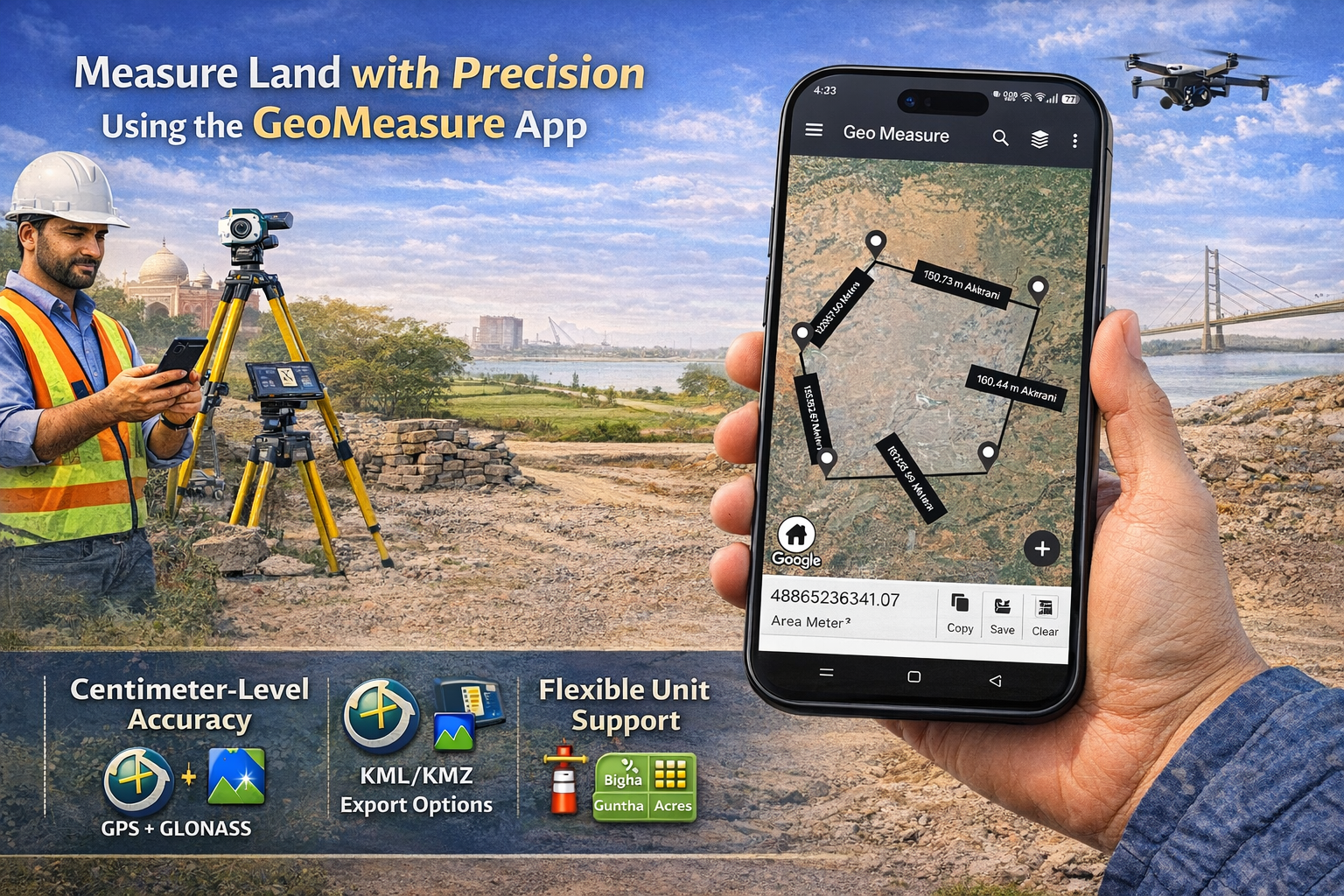
- Two Modes of Measurement: Users have a choice of either: Manual Mapping (dropping pins into the area) OR GPS Measurement (walking around the perimeter of the area and obtaining coordinates in real time).
- Accuracy at the Centimeter Level: Advanced algorithms from both GPS and GLONASS minimize the margin of error in plot demarcations and site surveys.
- Flexible Units in India: In addition to supporting the local Indian units of Bigha, Guntha, Marla, and Biswa, GeoMeasure also supports standard units (acres, hectares, and square meters).
2. Essential Capabilities of Surveyors And Engineers
A mobile application for land surveying is not only about measurements but also provides a comprehensive solution for managing data during the transition from field to office. GeoMeasure revolutionizes this process.
- KML/KMZ Export: By providing a mechanism for transporting field-collected measurements into Google Earth or AutoCAD, surveyors/engineers can easily export and utilize their data as overlays on existing blueprints of locations.
- Elevation & Terrain Analysis: For civil engineers or those in construction, elevation charts must be included so that they may assess and understand the slopes and drainage systems associated with an area.
- POI (Points Of Interest) Marking: A means of designating important locations, such as utility poles, geotechnical tests, and bound markers, using custom icons, for example, creating unique identifiers of each listing in order to provide enhanced detail in reports generated through use of a mobile app.
3. Comparing GeoMeasure with Traditional Methods
| Feature | Traditional Surveying | GeoMeasure App |
| Setup Time | 30–60 Minutes | Instant |
| Equipment Cost | High (Lakhs of Rupees) | Affordable/Free Tier |
| Labor Required | 2–3 People | Single User |
| Data Sharing | Manual Entry / Physical Maps | Instant Digital Export (PDF/KML) |
| Unit Conversion | Manual Calculation | Automatic & Instant |
4. Maximizing Accuracy in Field Use
By implementing the tips above, a user can take full advantage of the best land measurement application currently available in India.
- High-Accuracy Mode: Select 'High Accuracy' as your settings preference for your phone's GPS.
- Weather Conditions: When skies are clear, satellite signals receive their strongest signal strength. Measuring land when it’s raining heavily or near tree canopies is not ideal.
- Adjust Your Markers: The 'Drag and Drop' feature allows you to reposition pins within the satellite imagery so they align well with the actual boundary markers.
5. Indian Environment
GeoMeasure’s GPS Land Measurement system has been designed specifically to meet the needs of its users within India. It has been designed for both large-scale and small-scale land measurements and is best suited for use by engineers working in remote areas, where there may not be a stable 5G environment available for capturing and storing data.
In summary, the future of surveying will be done via mobile devices.
With the help of GeoMeasure, a new way of surveying is possible through your smartphone. Combining mobile device convenience with professional data export capabilities, GeoMeasure offers the best solution for land measuring in India, giving professionals everything they need to measure accurately without all the extra weight.


