How to Measure Land Area & Distance Accurately with the Geo Measure App
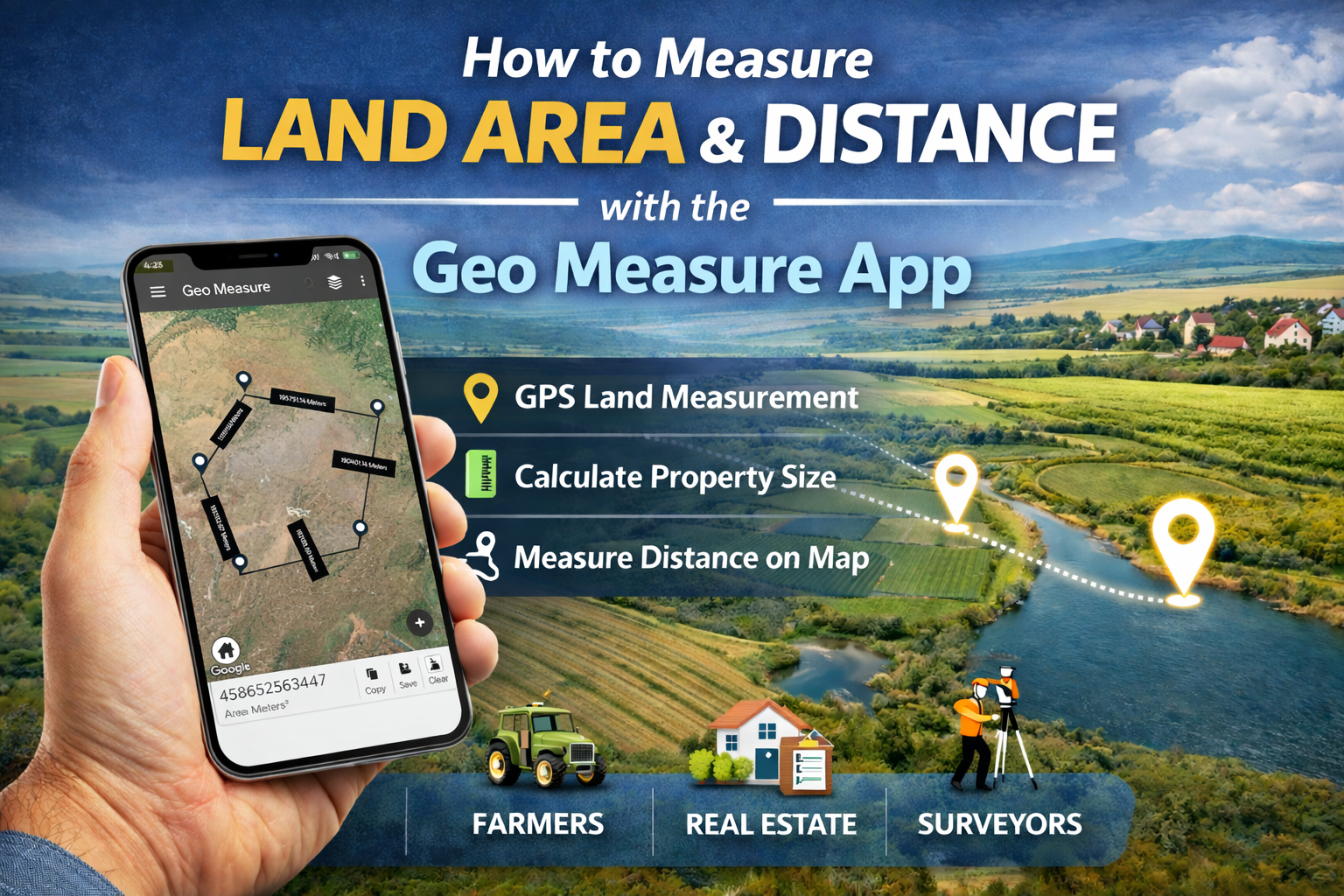
Measuring land area and distance used to require expensive equipment and professional survey tools. Today, you can do it directly from your smartphone using the Geo Measure App a powerful GPS land measurement tool designed for farmers, surveyors, real estate professionals, and property owners.
In this guide, you’ll learn step-by-step how to measure land area and distance on a map, along with features, use cases, and expert tips to improve accuracy.
What Is the Geo Measure App?
The Geo Measure App is a GPS-based land area and distance measurement app that allows users to calculate:
-
Field and plot area
-
Distance between multiple points
-
Property boundary measurements
-
Route and perimeter distance
It works using satellite maps and GPS coordinates, making it one of the easiest ways to measure land without traditional surveying tools.
Best for:
Farmers, land surveyors, civil engineers, real estate agents, and land buyers.
How to Measure Land Area Using the Geo Measure App
Follow these simple steps to measure land area accurately:
Step 1: Open the Geo Measure App
Launch the app and allow GPS location access for accurate positioning.
Step 2: Select Map View
Switch to satellite or map view to clearly see land boundaries, roads, and landmarks.
Step 3: Add Boundary Points
Tap on the map to drop markers around the edges of the land or property.
The more accurate your points, the better the measurement.
Step 4: Close the Shape
Connect the last point back to the starting point to form a complete boundary.
Step 5: View Area Calculation
The app will instantly display:
-
Total land area (sq ft, sq m, acres, hectares, etc.)
-
Perimeter distance
How to Measure Distance Between Two Locations
The Geo Measure app also works as a GPS distance calculator.
-
Select the distance measurement tool
-
Tap your starting point
-
Tap your ending point
-
The app shows distance in meters, kilometers, or miles
You can also add multiple points to measure route distance.
Real-Life Uses of the Geo Measure App
Farmers
-
Measure farm field area
-
Plan irrigation or fencing
-
Estimate crop coverage
Real Estate Professionals
-
Verify plot size before buying or selling
-
Show accurate property dimensions to clients
Surveyors & Engineers
-
Quick on-site land estimation
-
Preliminary project planning
General Users
-
Measure walking or cycling routes
-
Calculate distance for outdoor activities
Why Use Geo Measure Instead of Manual Methods?
| Feature | Geo Measure App | Traditional Method |
|---|---|---|
| Speed | Instant results | Time-consuming |
| Cost | Free/low cost | Expensive tools |
| Accuracy | GPS-based | Depends on manual skill |
| Convenience | Mobile app | Field equipment required |
Tips for More Accurate Land Measurement
To get the most accurate results:
Zoom in while placing boundary points
Use satellite view for better visibility
Add more points for irregular-shaped land
Measure from an open area for better GPS signal
Double-check boundary alignment before saving
Asked Questions
What is the best app to measure land area?
The Geo Measure app is one of the best GPS land measurement apps for calculating area and distance using map-based tools.
How accurate is GPS land measurement?
GPS measurements are highly accurate for general land estimation. Accuracy improves when you carefully place boundary points.
Can I measure farmland area using my phone?
Yes, you can measure farmland using the Geo Measure GPS land measurement tool directly from your smartphone.
Does Geo Measure calculate the distance between two points?
Yes, the app works as a distance measurement app and can calculate straight-line or route distance.
Which units does the Geo Measure app support?
You can measure land in square meters, square feet, acres, hectares, and more.
Final Thoughts
The Geo Measure App makes land area and distance measurement fast, simple, and accessible to everyone. Whether you’re measuring farmland, checking property size, or calculating route distance, this GPS map measurement tool delivers reliable results in seconds.
If you need an easy way to measure land on a map, Geo Measure is a smart and efficient solution.


