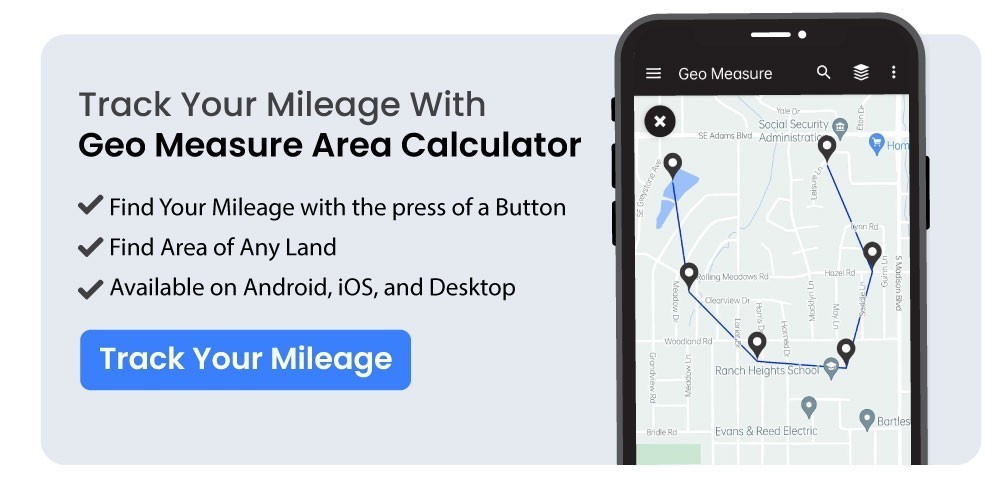
How to Use Geo Measure as a Mileage Tracker App?
Designed to improve travel efficiency, Geo Measure is a free GPS navigation app and keep track your miles
It's quite simple to keep track of your steps. The most common way to track your steps is via a smartphone tracking app. While you're walking, they can track your elevation as well as the distance and number of steps you take.
What is the Geo Measure Area Calculator?
Designed to improve travel efficiency, Geo Measure is a free GPS navigation app.
In order to determine the area of a property before making a purchase, Geo Measure is the best free tool. The exact calculated area is provided by Geo Measure, who will assist you like one of your best friends. Using this app, you can accurately determine your GPS area or distance. For any GPS area or distance, there are two ways to quantify it. Markers can be manually added to a map, or a GPS service can be used to record your location.
For convenient and cost-free access, Geo Measure is offered as a standalone app in the AppStore, Google Play, and Mac AppStore.
How to Use Geo Measure?
You only need to enter your destination in the top search bar after downloading and setting up the Geo Measure app.
You may easily access your regularly used addresses, such as your house or workplace, by adding them to the app using Geo Measure, and the app will take you there on its own.
Once you can look up your destination, you can add a marker to discover your own POI, add multiple markers to get the distance between multiple addresses, or add a single marker to find the location of a single location.
How to Track Mileage on the Geo Measure App
The main function of Geo Measure is as a navigation and mapping tool. But when the app is open and running on your screen, it features a fantastic feature that tracks your mileage.
After that, you can check your tracked mileage in the app.
If you want to track your mileage and don't travel many miles for work, this is adequate. However, you must feel confident manually obtaining your mileage records from the app.
The Geo Measure mileage tracker is not automatic, though. Every time you want to track your mileage, keep in mind to have the Geo Measure app open.
Steps to Track Your Miles
- Open app Geo Measure Area calculator FREE
- Click the PLUS icon on the bottom right.
- There are two choices there: distance and area.
- After selecting the proper choice, you will be presented with two further options: manual measurement and GPS measurement.
- Pick the first possibility, GPS measurement.
- You will have the opportunity to record your current GPS location using the app.
- You can select that choice. Start your recording on the map.
- The application will begin recording your current position as soon as you click Start recording.
- Now all you have to do is move about the region or distance that you want to compute.
- You can click on Stop recording once you complete your measurement.
- Consequently, you do not need to manually indicate your location because the application uses your GPS position to capture your location.
What is your best mileage tracking option?
With its amazing mapping features and advanced navigation, Geo Measure gives you greater control over your driving environment. It provides you with a wealth of functions and adaptable choices to meet your navigational needs. It has a feature that lets you keep track of your miles. Keep track your miles with the Geo Measure app.